
API tokens
An API token is a credential that stands in for you so a script or tool can act on your behalf. Instead of signing in as yourself, you mint a token, hand it to your automation, and scope it to only the resources it should touch. If a token ever leaks, you revoke it without changing your own password.
Open the page from Security in the sidebar, then Tokens. It lives at the /tokens route.
Create a token
Select New token and fill in three things.
- Name. A label so you can recognize the token later, such as
deploy-botorbackup-script. - Expiry. When the token should stop working. A shorter life is safer, because a forgotten token cannot be used forever.
- Grants. A map of resources, where you set each one to NONE, READ, or WRITE. This is how you scope the token: give it the least it needs and leave everything else at NONE. A read-only monitoring token should be READ on what it watches and NONE on the rest; a token that only powers instances on and off needs WRITE on instances and nothing more.
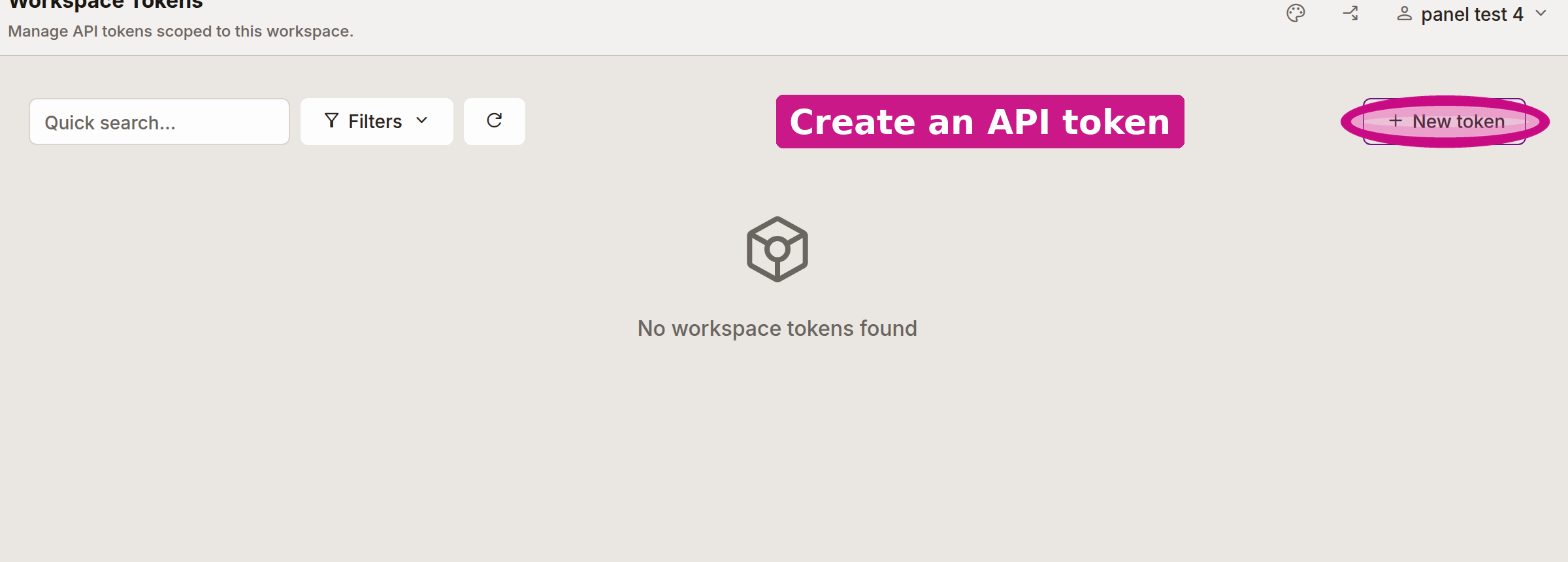
The New token button is circled above.
Save the token the moment it is shown
When you create a token, the panel shows you the plaintext value once and only once. It is stored on the server only as a hash, so GalaxyGate cannot show it to you again later. Copy it right away and put it somewhere safe, such as your secret manager or your automation's environment.
You cannot recover a lost token
If you close the dialog without copying the token, or you lose it later, there is no way to read it back. Delete that token and create a new one.
Revoke or delete a token
When a token is no longer needed, or you suspect it leaked, get rid of it from the Tokens page. Revoking a token stops it from working, so any script still using it starts getting rejected immediately. Deleting a token removes it from the list entirely. Either way, your own access is untouched, so this is the safe way to cut off one integration without disturbing the rest.
Rotate on a schedule
Because you can create and delete tokens freely, rotate them: mint a new token, switch your automation over, then delete the old one. Short expiries make this a habit rather than an emergency.
Using a token in requests
A token authenticates a request by going in the Authorization header as a bearer token. The API section walks through the exact header and shows full request examples.
Related
- API authentication for putting a token to work.
- Users and permissions for giving people access instead of scripts.
- Security overview